
Project: Aura Controls
PC, mobile, and console HUD — especially the > redeem control people miss.
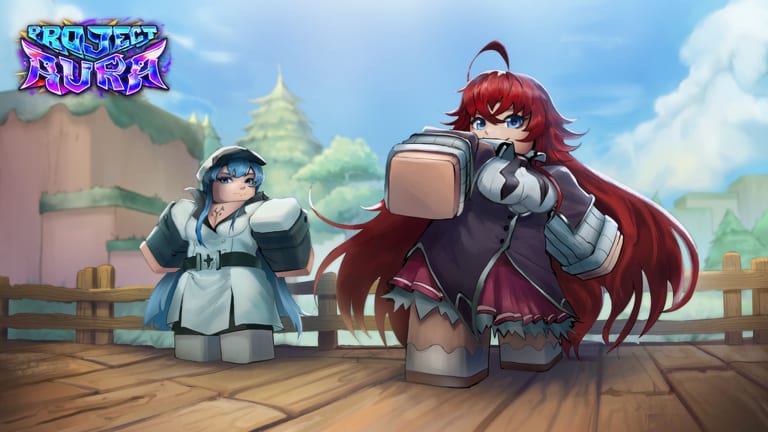
Project: Aura is cross-platform from launch: PC, mobile, and console on Roblox. The systems are the same. The fingers are not. This page is the HUD literacy layer that getting started assumes you have. If you cannot find >, you cannot redeem RELEASE. If you cannot find roll versus inventory, you will drink potions in the plaza by accident.
Roblox itself owns movement: WASD or left stick to walk, right stick or mouse to look, jump on space / A / bottom face button depending on device. Project: Aura then layers its own buttons on the screen. Those buttons move during weekly UI passes. When they do, Updates will note it. The jobs below stay stable even if the icon art changes.
The jobs you must be able to find
- > redeem — codes. Full click path: how to redeem.
- Roll / aura — spends standard tickets or lucky rolls. Know which mode you are in. How to roll.
- Characters / inventory — the 42+ roster, runes, potions, food.
- Build / equipment — where the composition actually happens.
- Tree — upgrade tree.
- Map / leave plaza — exploration.
- Merchant interact — proximity prompt on NPCs. Merchants.
If a button does not map to one of those jobs, ignore it for the first hour.
PC
Use a mouse. Click > rather than hunting a keybind that may not exist. Chat (typically /) will steal keyboard focus — click the redeem field before you paste RELEASE. If you play with a controller on PC, enable the on-screen cursor when you need HUD clicks; analog movement is fine for exploration but miserable for tiny chevrons.
Camera: drag with right mouse. If character VFX fill the screen (the key art is not shy), zoom out before you roll so you can actually see what dropped.
R6 avatars plus heavy VFX can hide prompts at your feet. Nudge the camera down when a merchant prompt does not appear.
Mobile
Play in landscape if the > control is under your thumb or under a gesture bar. Paste codes from the clipboard; autocorrect loves to turn RELEASE into Release with a trailing space.
Touch HUDs on Roblox RNG games stack buttons on the right. Before you roll, rest your thumb away from potion icons. The number-one mobile disaster is consuming a rare potion while trying to move the camera.
If the world is still streaming, do not spam the roll button. Wait. Then open inventory and confirm ticket counts so you know whether you are in standard or lucky mode.
Console
Roblox on Xbox and PlayStation uses a virtual cursor for many experience buttons. Flick to > slowly; overshooting into shop UI is common. Join the Rival Ducks group on a phone or browser first — group join is painful on some console overlays — then return to the experience so the gift can apply.
Set text chat if you need to paste; otherwise type RELEASE carefully. Console keyboards insert spaces. Trim them.
Camera, VFX, and accessibility
Custom animations and sound were a launch bullet. They are also how people get motion-sick. Lower Roblox graphics if the cavern bloom is too much. You can still play the incremental systems on a toaster — the tree does not need ray tracing.
Sound is part of identity for the 42+ roster. If you mute everything, you will miss audio cues that two characters are not the same role. Keep SFX up, music wherever you like.
Shared-server etiquette (8 players)
You will clip through other people’s auras. Do not stand on the redeem UI. Do not block merchant prompts. If you are filming, move off the plaza. That is the whole PvP-adjacent section until Rival Ducks ships something more aggressive.
When UI moves after a weekly patch, this page will follow. Until then, if a friend says “there is no code menu,” they have not found >. Send them here and the codes hub.
Frequently Asked Questions
Quick answers for Project: Aura players on Roblox.
Where is the code button on mobile?
On the main HUD as a > control. Rotate to landscape if it is under the gesture bar. Steps: how to redeem.
Can I use a controller on PC?
Yes, but enable a cursor for HUD clicks. Tiny chevrons are bad with only analog sticks.
Why can I not see interact prompts?
VFX and R6 bodies hide floor prompts. Tilt the camera down near merchants.
Are controls different on console?
Movement uses native Roblox mapping. Experience buttons still live on the HUD. Group join is easier on mobile/web.
Did the HUD move after an update?
Weekly UI passes happen. Check updates if a button vanished, then look for the same job under a new icon.